Manual Visual Cropper
Precision cropping for Any PDF Label. Perfect for custom marketplace formats or multi-label invoices.
Step 1: Upload your Shipping Label PDF
Drag and drop your file here or click to browse
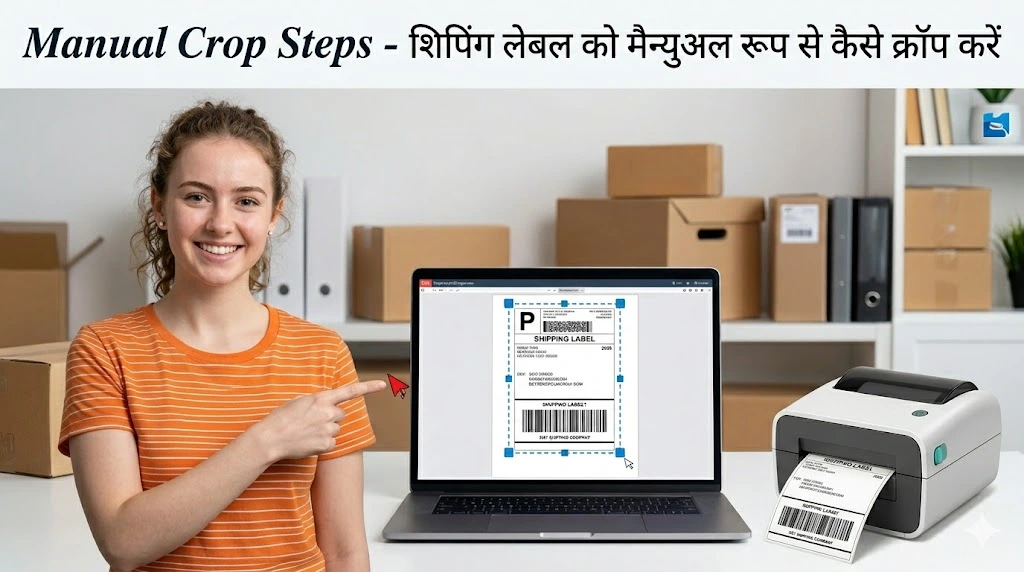
How to Use Visual Crop
Transform any PDF shipping label into a professional thermal-ready print in seconds.
1. Upload PDF
Upload any shipping label invoice. Our system supports all marketplaces including Amazon, Flipkart, & Meesho.
2. Draw Selection
Use your mouse to draw an exact box around the shipping label area on the visual preview.
3. Result Ready
Select 'Thermal 4x6' or 'A4/A5' format and download your ready-to-print shipping label instantly.
Why use Manual Crop?
Universal Marketplace Support
Even if your marketplace isn't on our official list, you can crop any PDF manually.
Multi-label Pages
Have a page with 10 labels? Just crop the one you need and print it instantly.
Pixel Perfect Scaling
We ensure that your crop selection is scaled perfectly to 300 DPI for thermal printers.